See the latest Opendate feature releases, product improvements, and bug fixes. For updates on everything else we're building, subscribe to our monthly product newsletter + news.
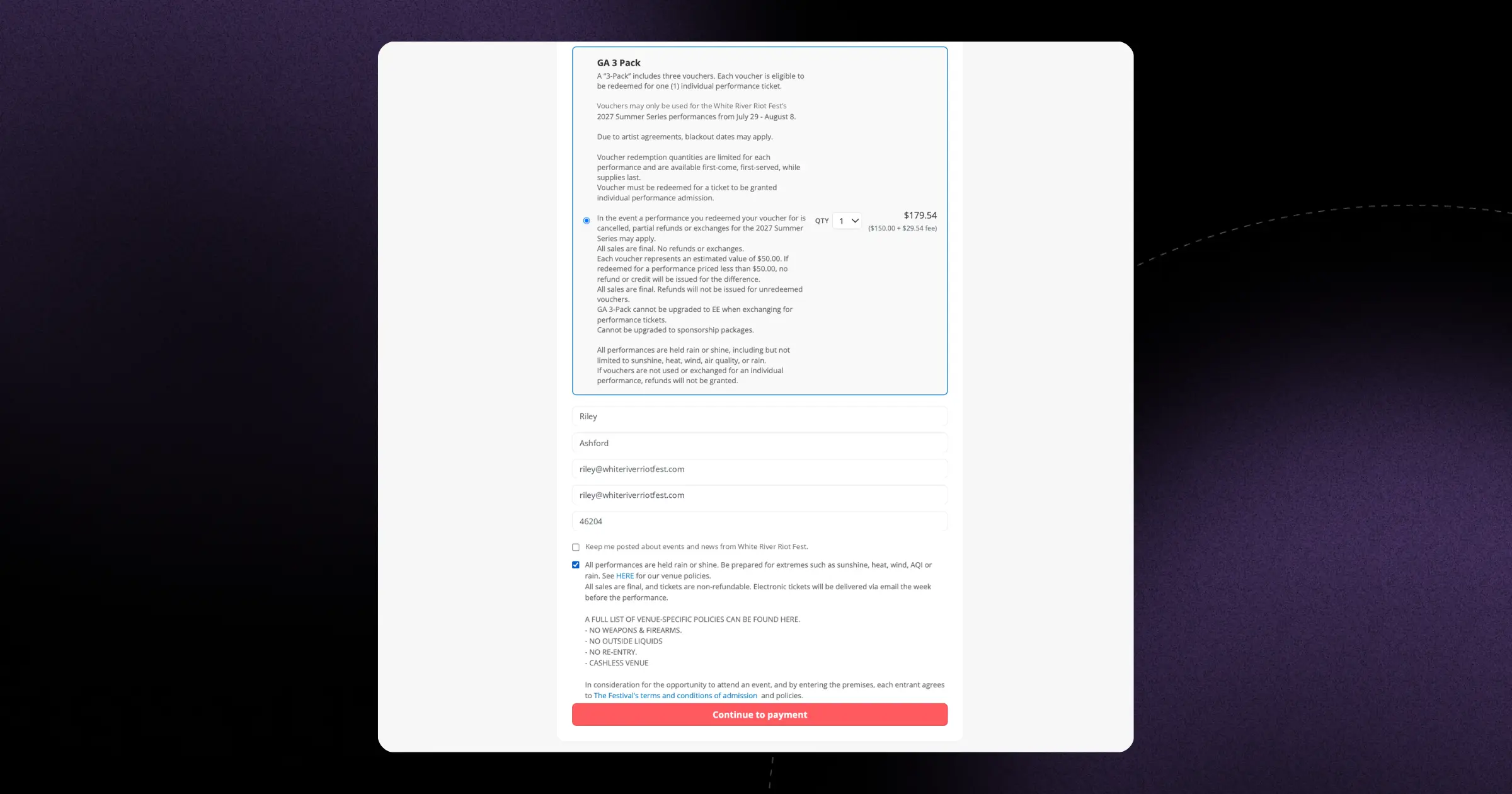
Include your own terms and conditions on season pass and flex pack checkouts, and they're recorded and enforced at purchase. It's a simple way to set expectations up front.
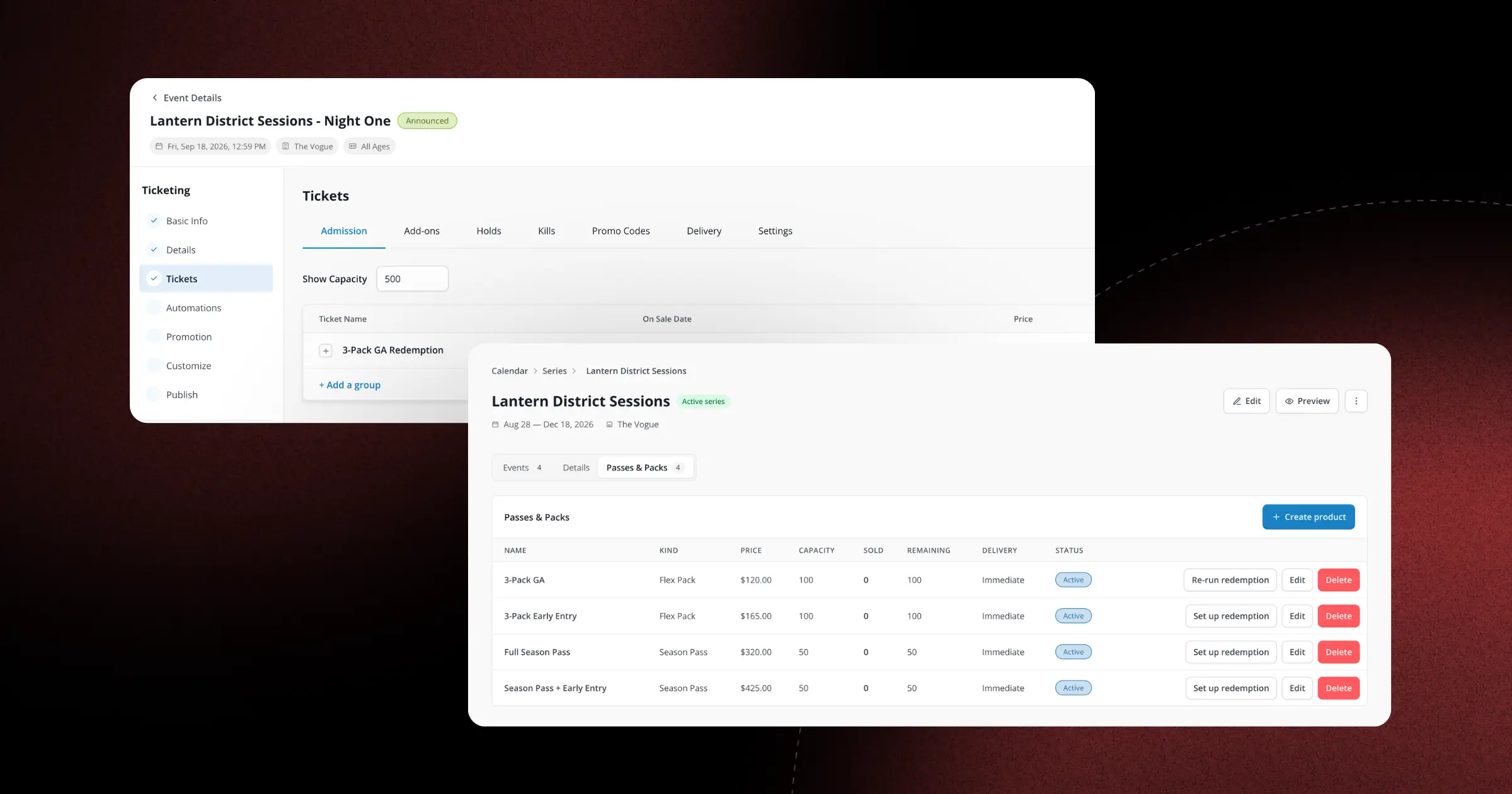
Season Passes and Flex Packs let fans buy access to an entire event collection, or a set number of performances they choose, in a single transaction. Built-in redemption limits, scheduled price changes, and per-show settlement tools help you manage everything from sale through settlement.
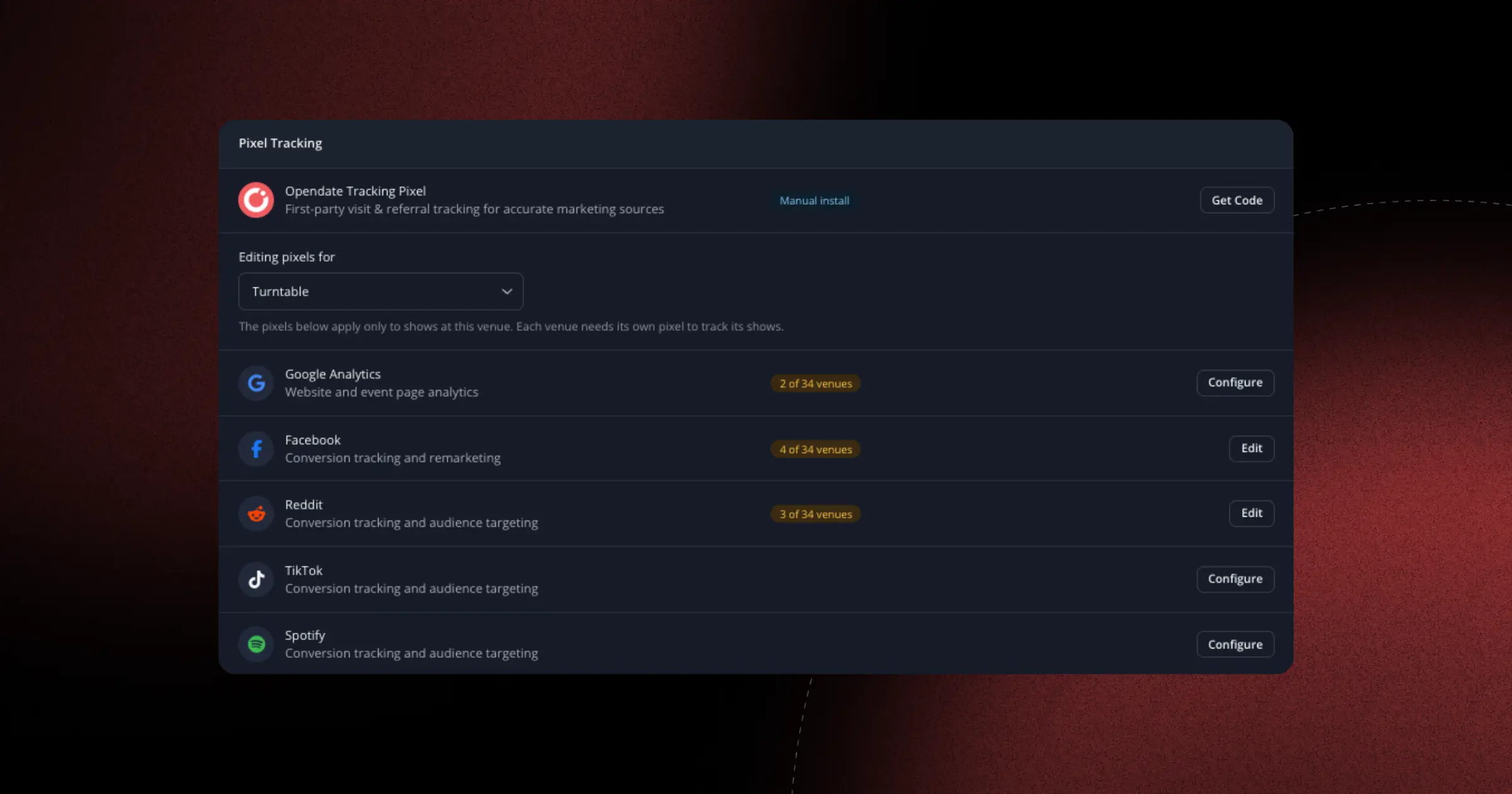
Your checkout flow now renders TikTok and Spotify pixels, so you can track and optimize campaigns across more platforms. Reaching the right fans just got easier.
Every broadcast now reports opens, clicks, bounces, unsubscribes, and revenue, with per-link click tracking and a visual engagement heatmap. It's never been easier to see which emails actually drive ticket sales.
The contact detail page has a fresh design that surfaces smart segments first, removes duplicate segments, and adds a Files card plus the ability to edit and delete notes. Pages also load faster, so fan history is right where you need it.
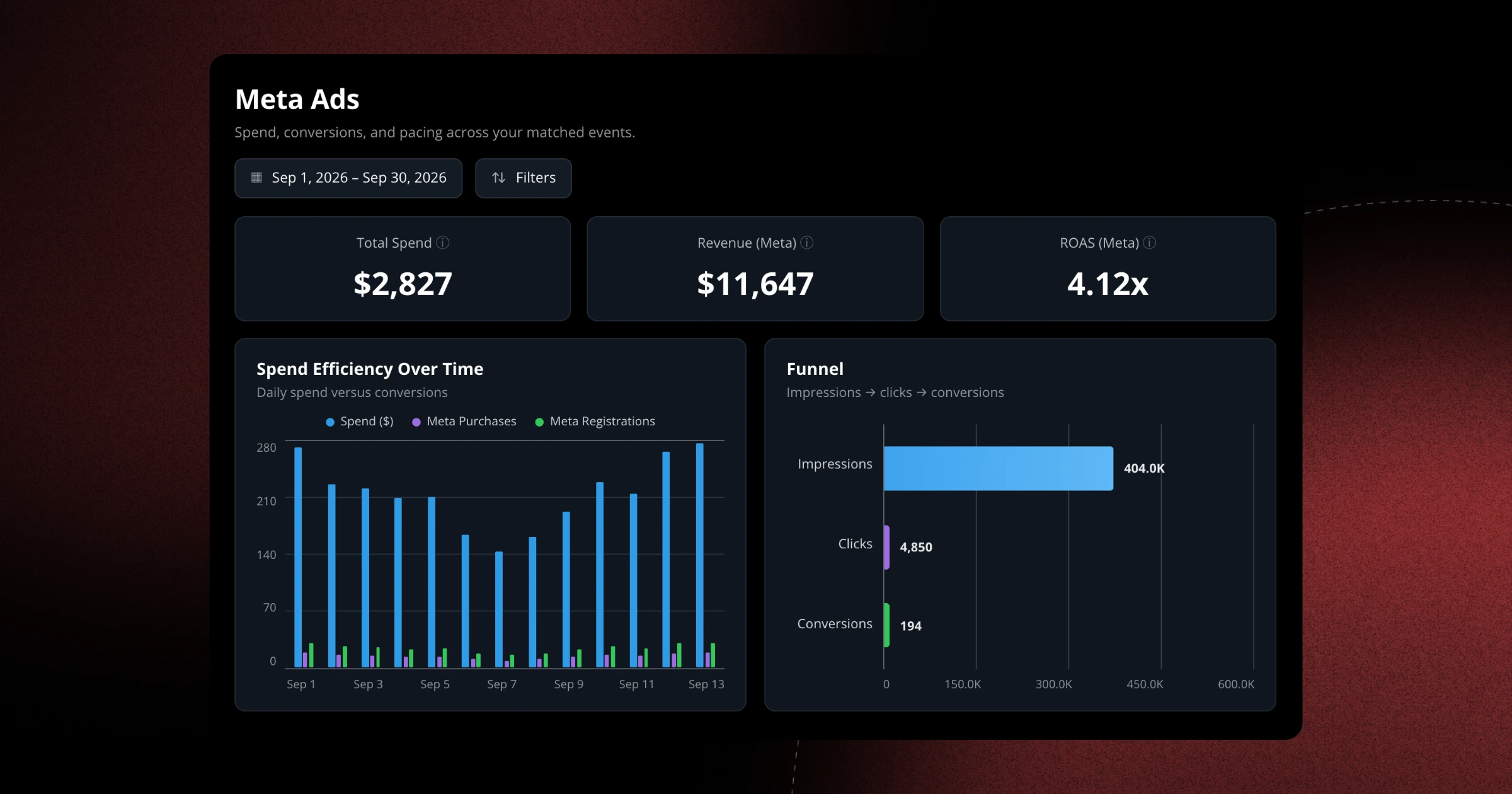
Your Meta pixel now fires on collection and listing pages, and click IDs carry through into the embedded checkout so conversions are attributed correctly. When saving a pixel you'll also choose exactly which venue it applies to, closing the gaps that left some shows untracked.
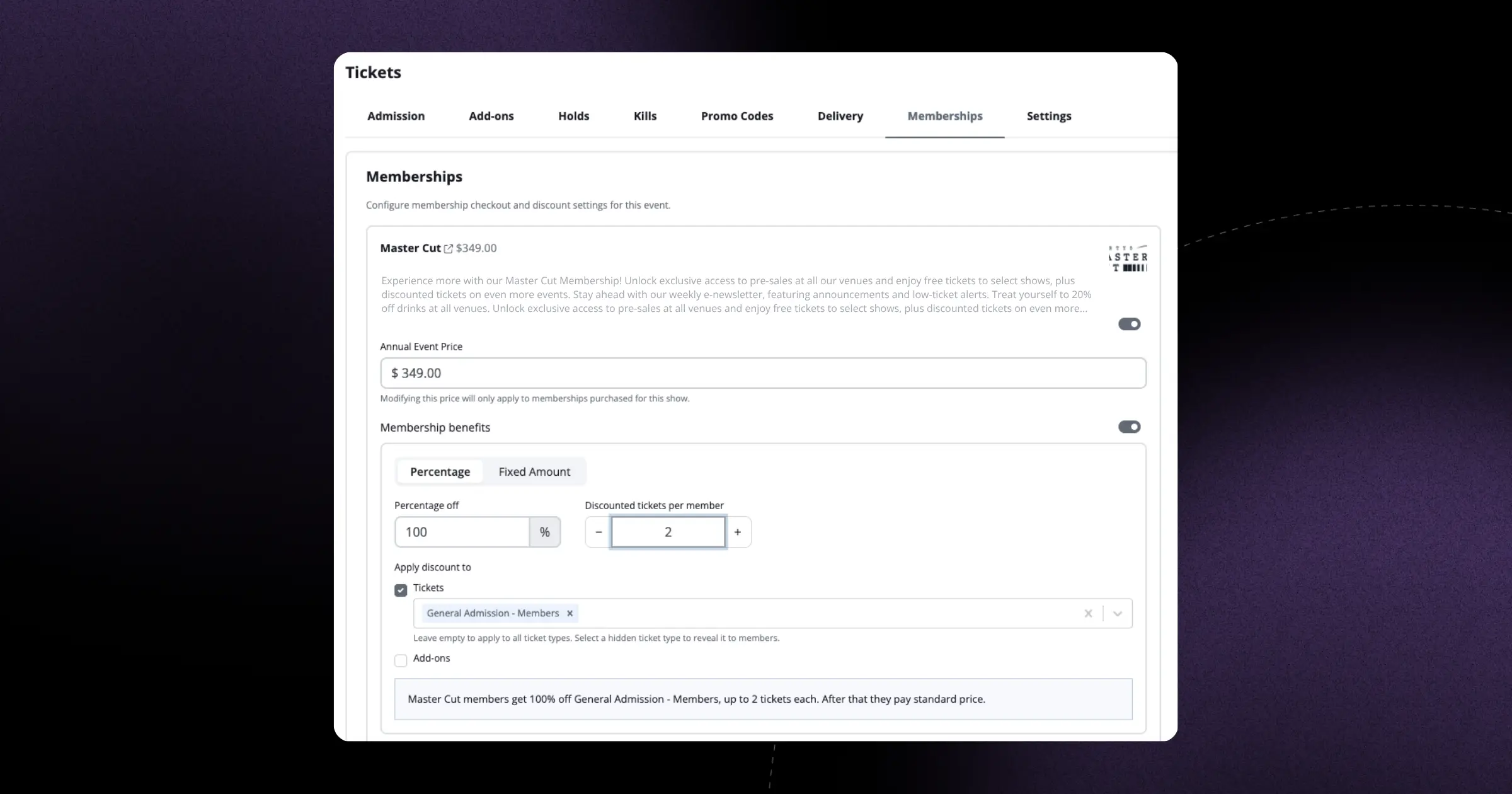
You can now limit the number of tickets a member can purchase using their membership benefits, with a clearer benefit settings screen to set it all up. It's an easy way to keep member perks fair and protect inventory.
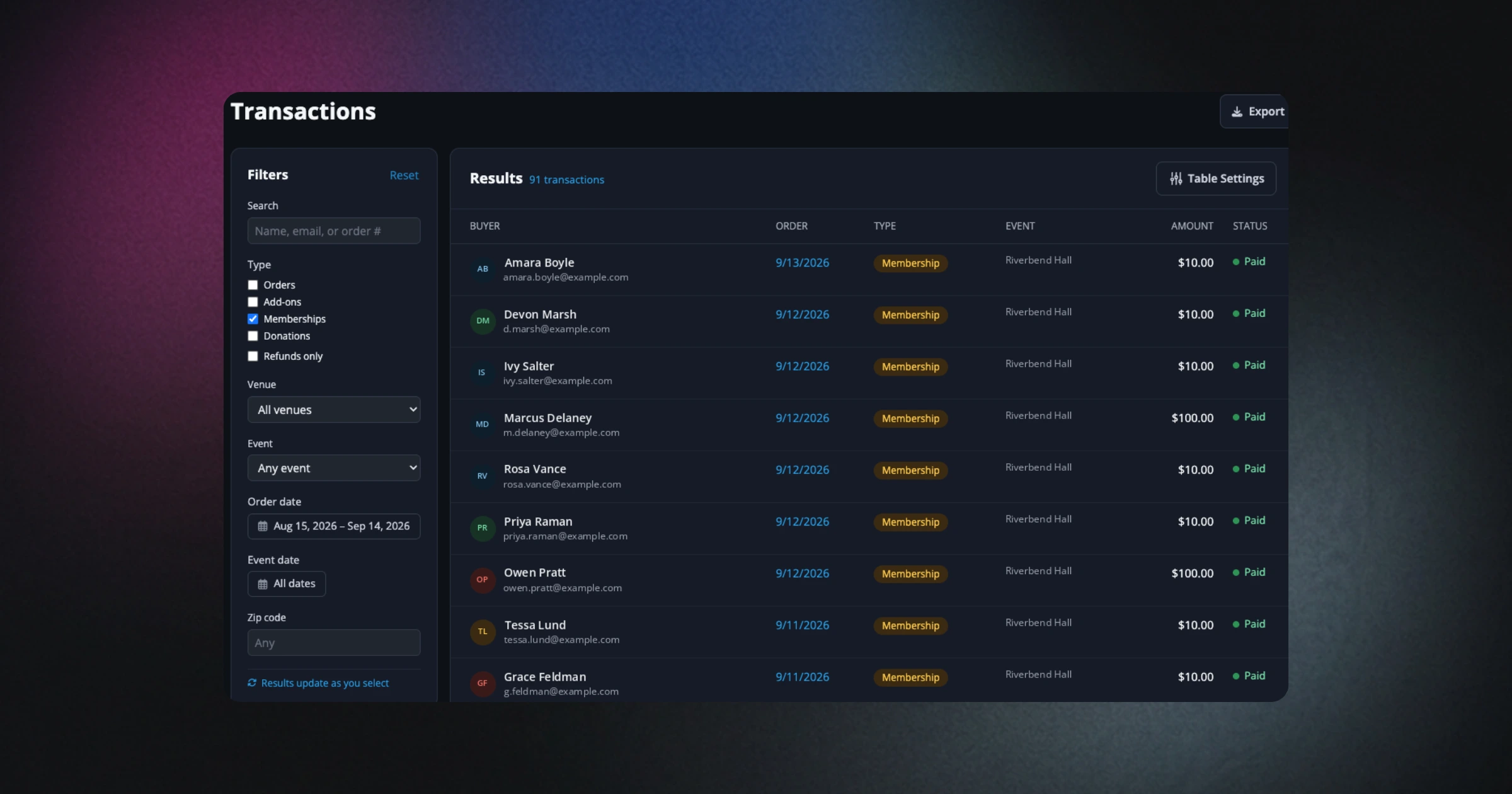
Venues offering more than one membership now have a dedicated public landing page that presents every option side by side, making it easy for fans to choose and join.
A new fundraising opportunities workflow helps performing arts organizations manage donor prospects and campaigns right alongside their booking and ticketing data.
The Schedule section of the Print Show Advance now supports optional Length (minutes) and End time columns, giving artists and crew a clearer run-of-show at a glance.
Conductor can now carry helpful context between threads, so it recalls what matters to your venue and gives more relevant, personalized answers over time.
Your fans can now open a clear order receipt from My Events that shows the payment method they used, cutting down on 'what did I pay?' questions to your box office.