FIRESIDE CHAT NOV 3: Opendate + DoStuff: Generate New Fans and Revenue for Your Venues & Spaces

15
Register today!

Updates

See the latest Opendate feature releases, product improvements, and bug fixes. For updates on everything else we're building, subscribe to our monthly product newsletter + news.
September 14, 2026

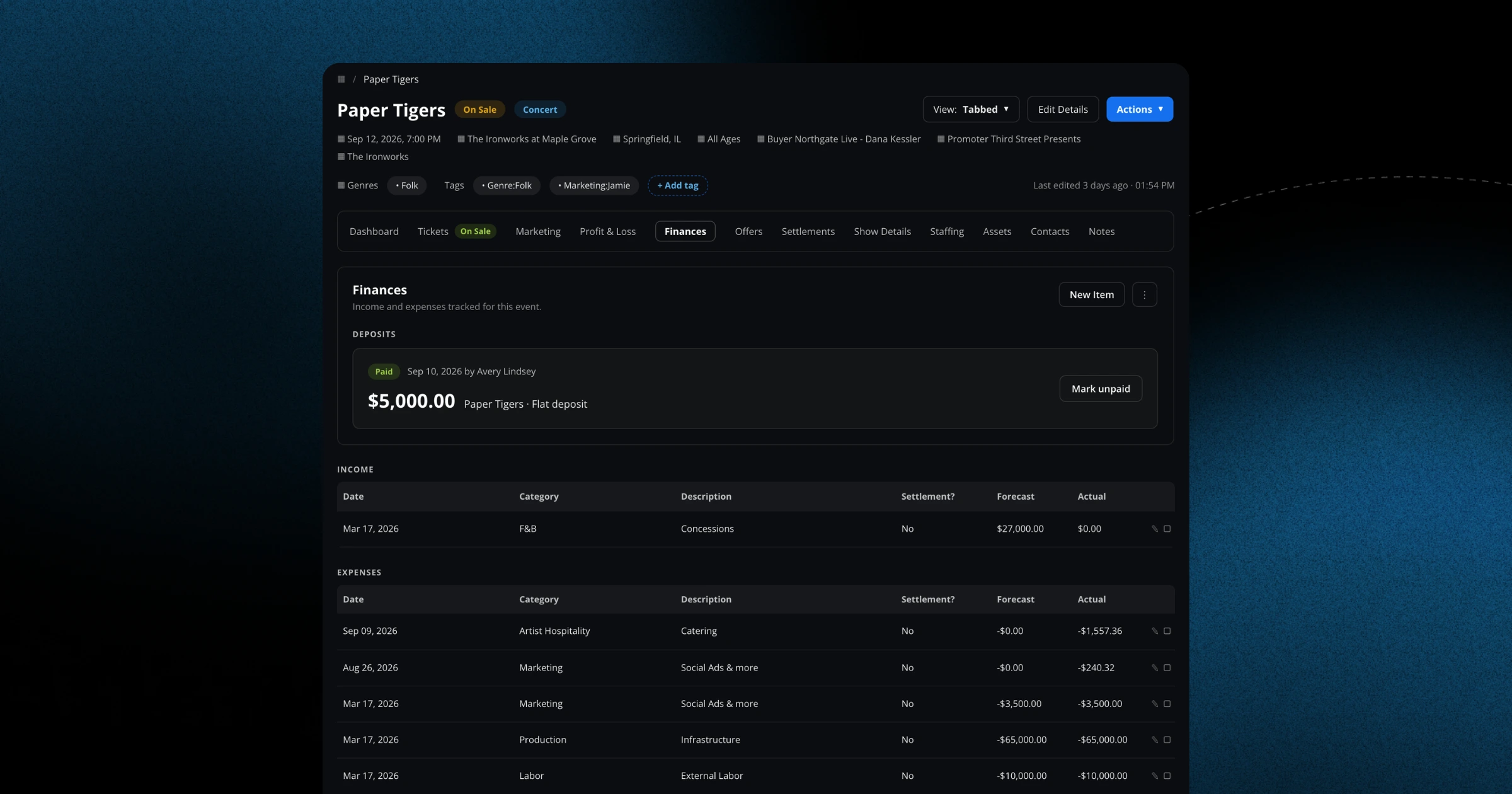
Roll up income and expenses across a full series

The series dashboard now totals income, expenses, and net across every show in the run, so you can view a whole series' financial picture without adding up each date by hand.
September 14, 2026

A redesigned Finances overview

Finance now opens on an overview dashboard that summarizes payouts, refund requests, risk reviews, and chargebacks in one read, with the finance tabs restyled and an action badge on the main nav.
September 11, 2026

See fan segments right on the contact page

A contact's segments now appear as easy-to-scan pills on their profile, with a searchable tag dropdown for filtering. You'll understand who each fan is at a glance.
September 11, 2026

See your Meta ad spend inside event finances

Total Meta ad spend now flows into your event finances automatically. That makes it far easier to gauge marketing ROI for each show.
September 11, 2026

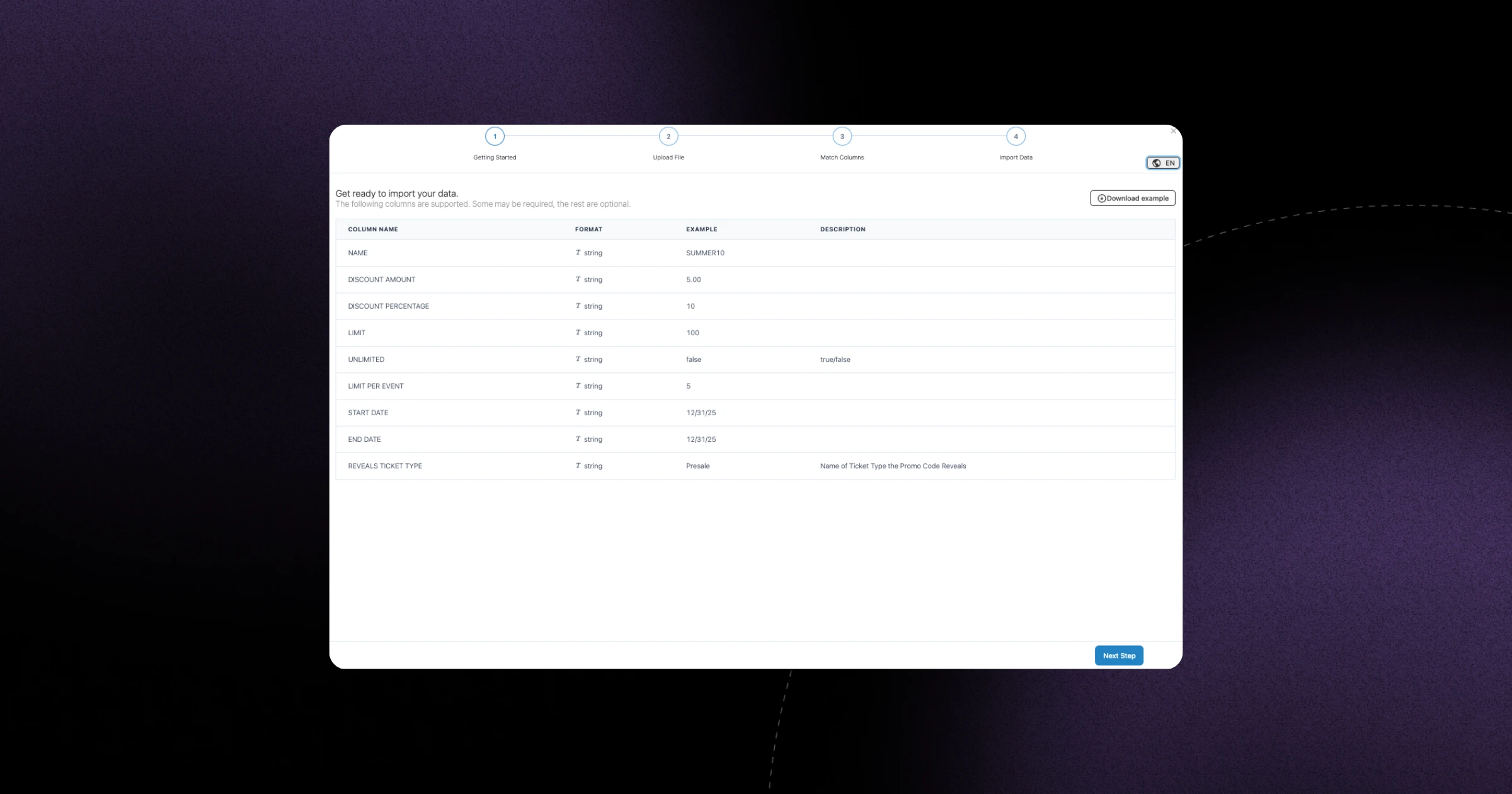
Reveal multiple ticket types per promo code on import

The promo code CSV importer now supports revealing several or all ticket types for a single code. Bulk-setting up complex promotions is much smoother.
September 11, 2026

Customize the Recent Orders columns on your ticket dashboard

You can now add columns like customer email to the Recent Orders list. Get the order details that matter most to you front and center.
September 10, 2026

Let fans request refunds themselves

Fans can now request a refund directly from the Need Help modal in their orders, and you get a clean view to review those requests. It cuts down on support emails and keeps everything in one place.
September 10, 2026

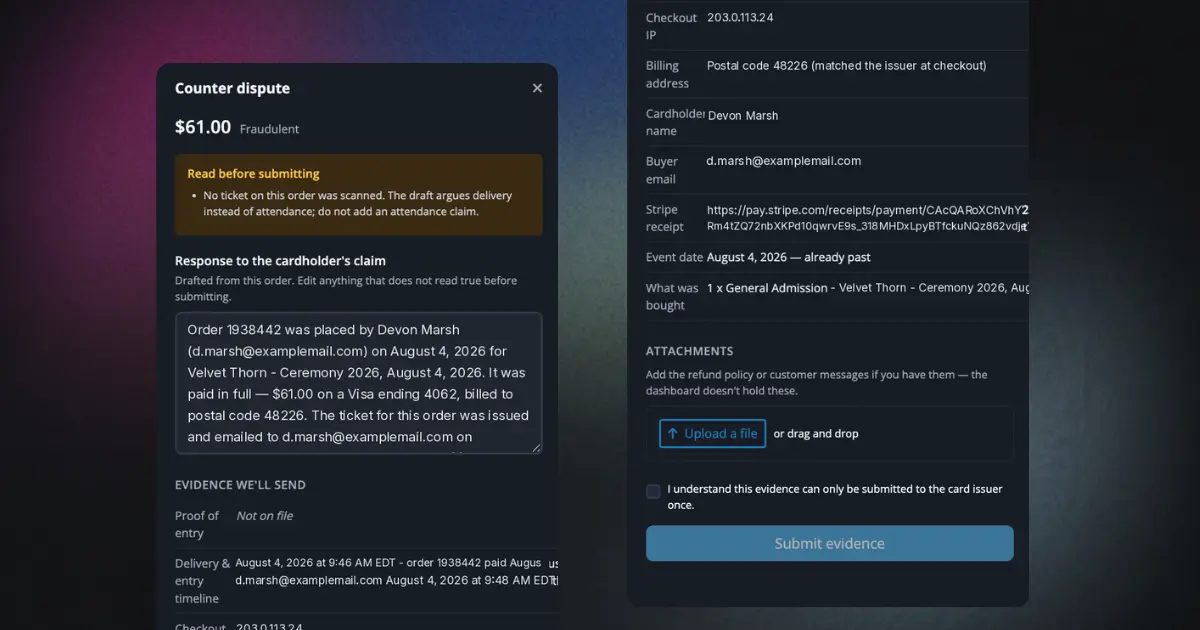
See the evidence you submitted on a dispute

Evidence used to disappear once a dispute left needs-response. Now you can reopen the submitted response and every attached file — with inline image and PDF previews — on disputes under review, won, or lost.
September 10, 2026

Issue Multiple Refunds moved to a more intuitive spot

The Issue Multiple Refunds action now lives outside the Downloads menu on the ticket dashboard, where you'd expect to find it. Bulk refunds are easier to reach.
September 10, 2026

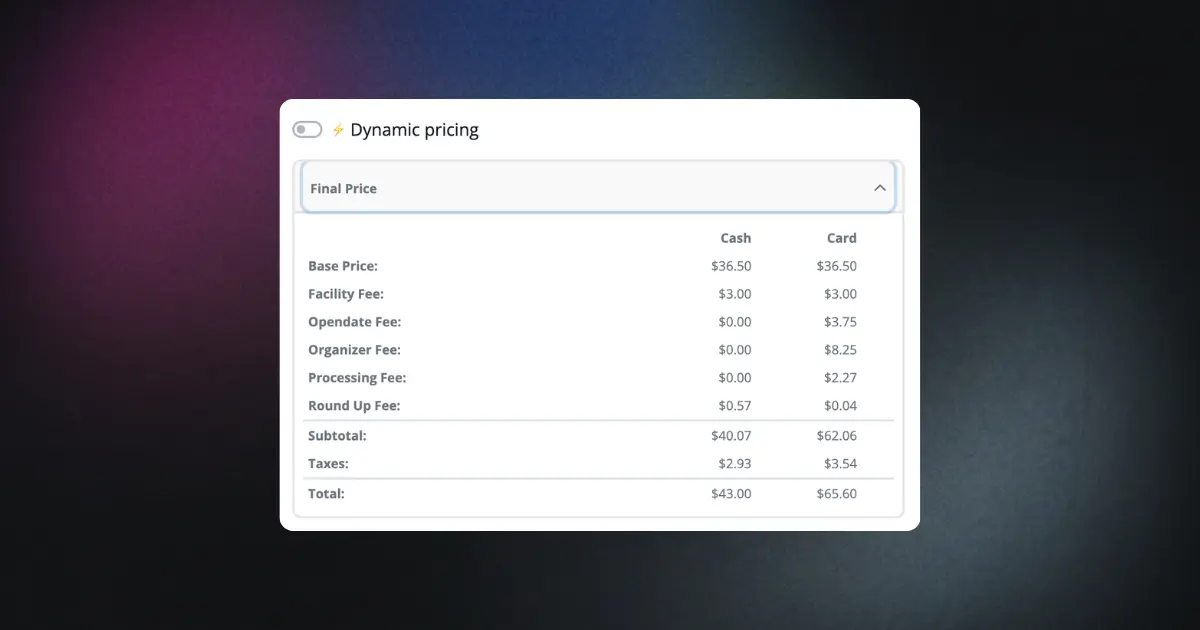
More accurate fee breakdowns on card transactions

Card transaction fee breakdowns now display correctly. You can trust the numbers when reconciling sales.
September 9, 2026

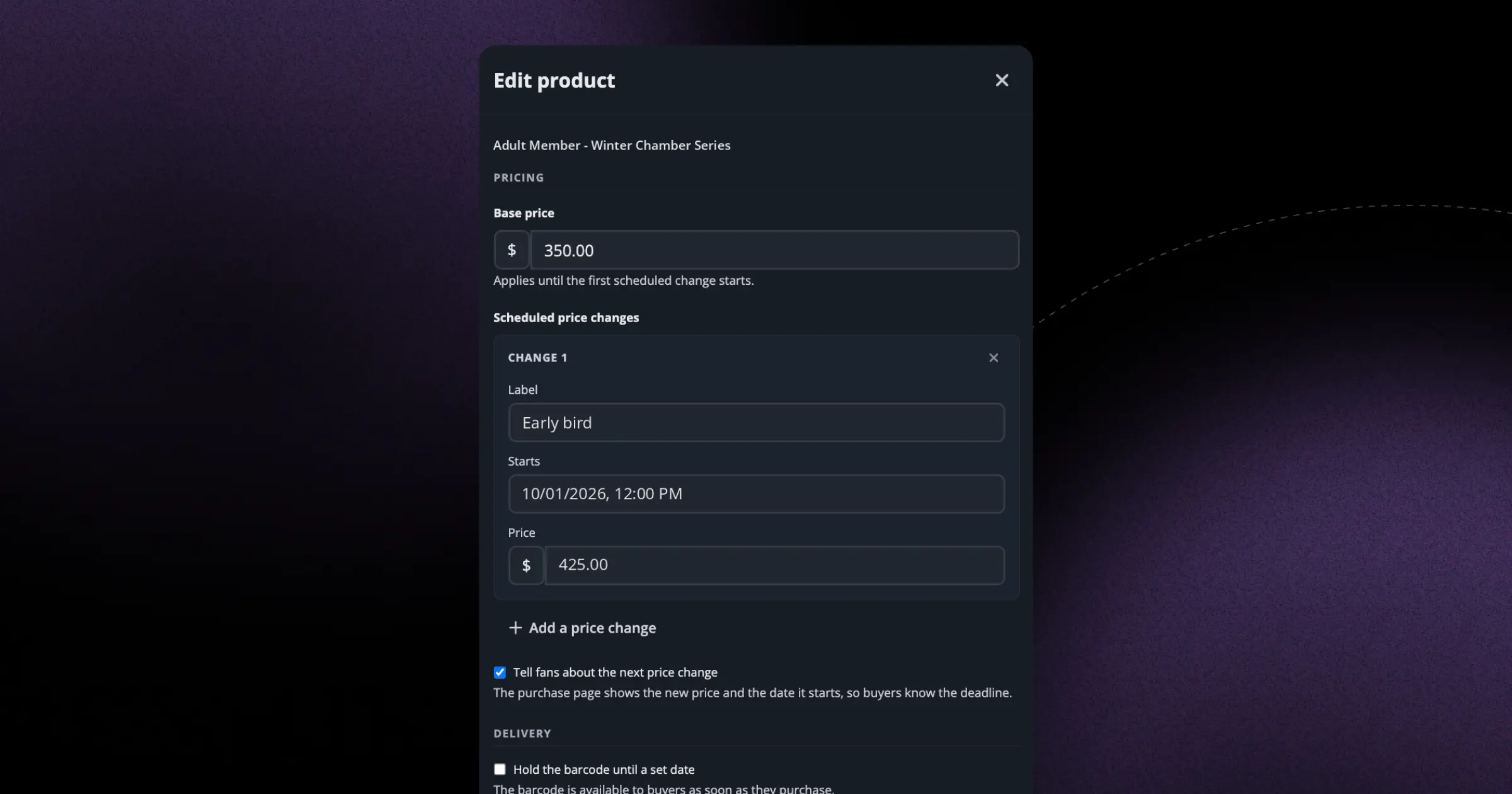
Schedule pass price waves without rebuilding the product

Set an early-bird price that steps up to standard on a date you choose, and correct a live pass price without deleting a product buyers already hold. Up to 25 waves per pass, and you can announce the upcoming change to fans.
September 9, 2026

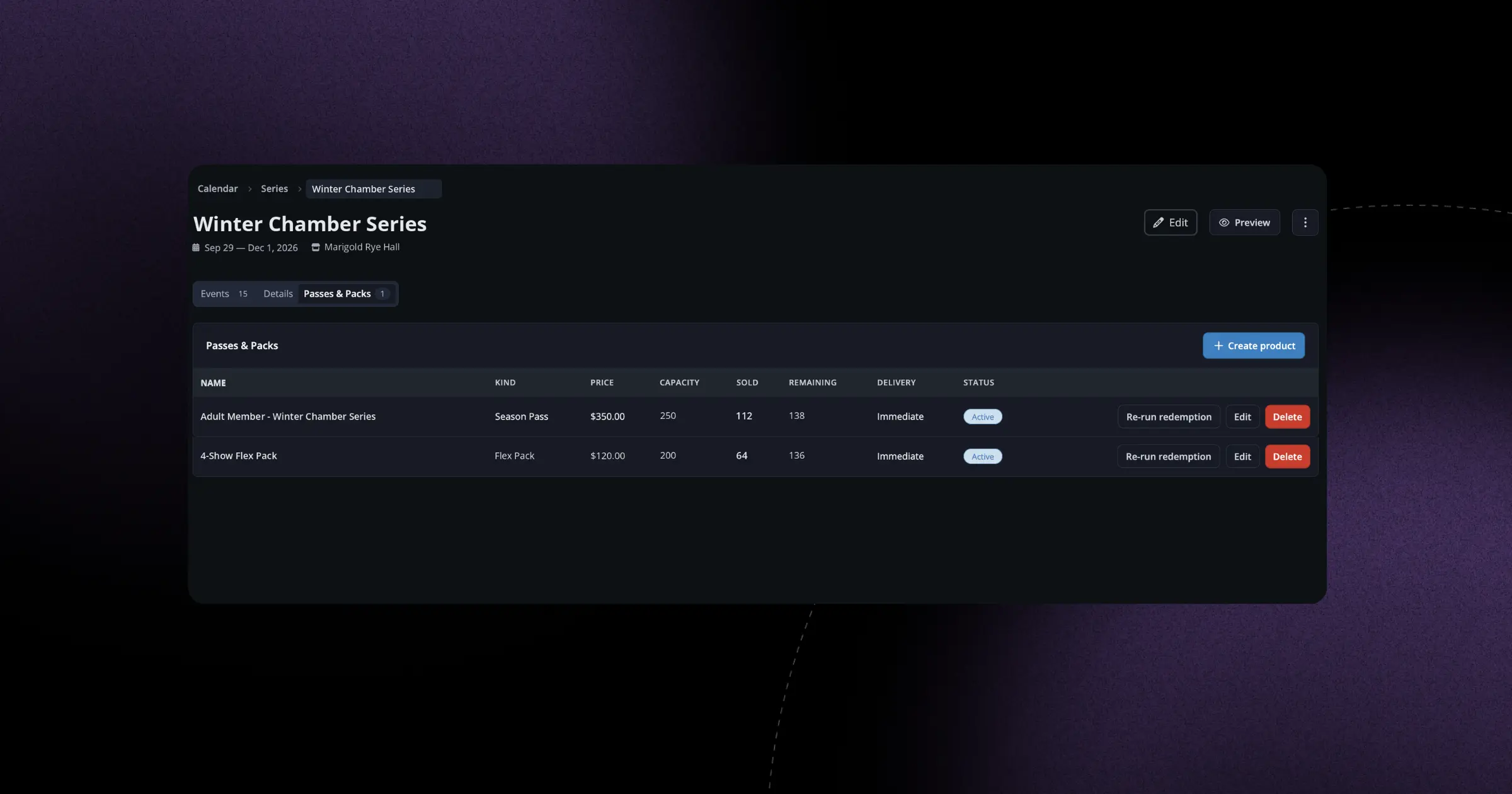
Track pass and pack sales on the Passes tab

The Passes tab now shows how many passes and packs have sold. You get an instant read on how your season products are performing.
September 9, 2026

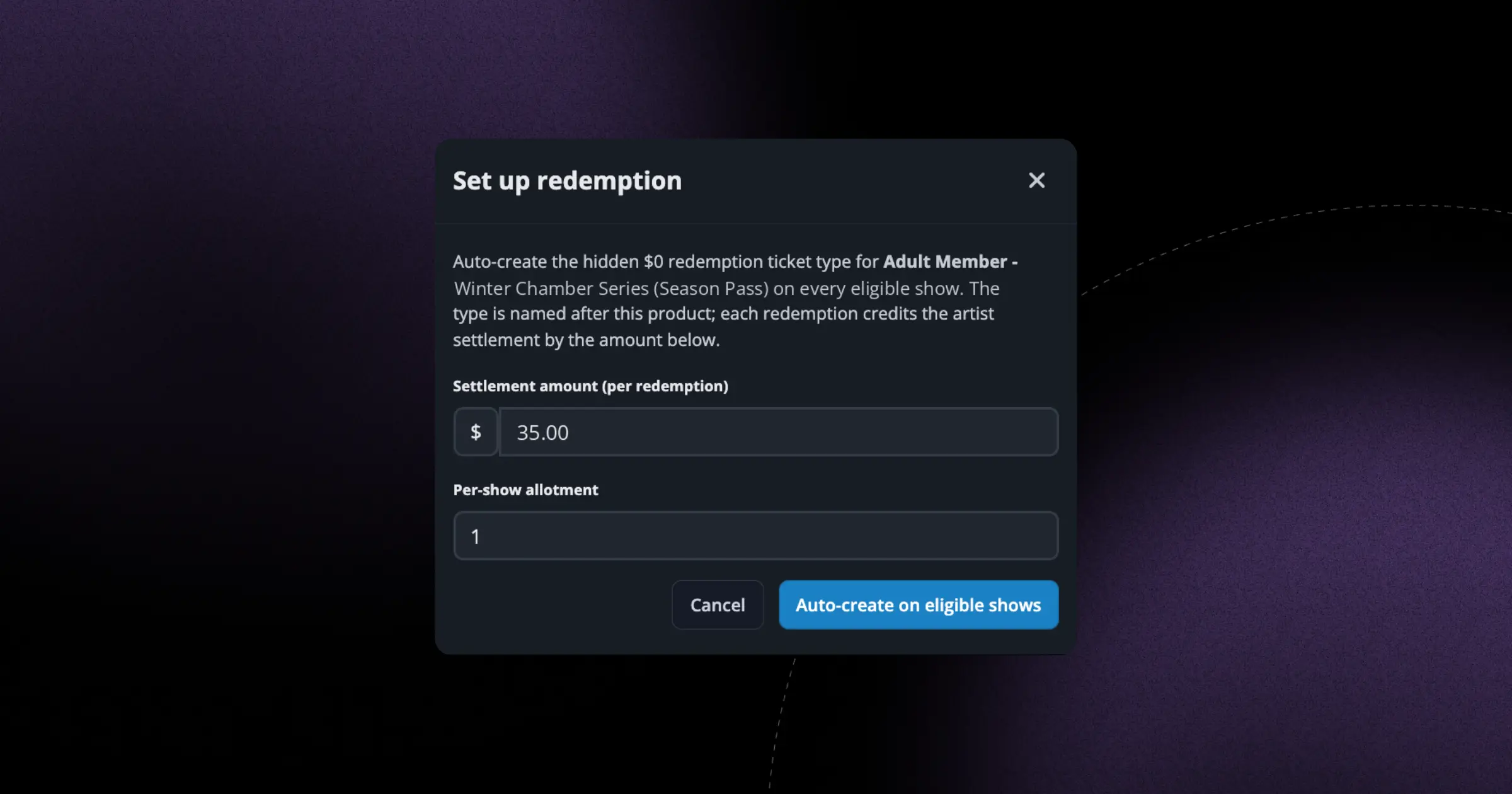
Passes now redeem on shows added after the sale

When you add new shows to a collection, existing pass holders can now redeem against them too. Late-added dates are no longer left out.
September 9, 2026

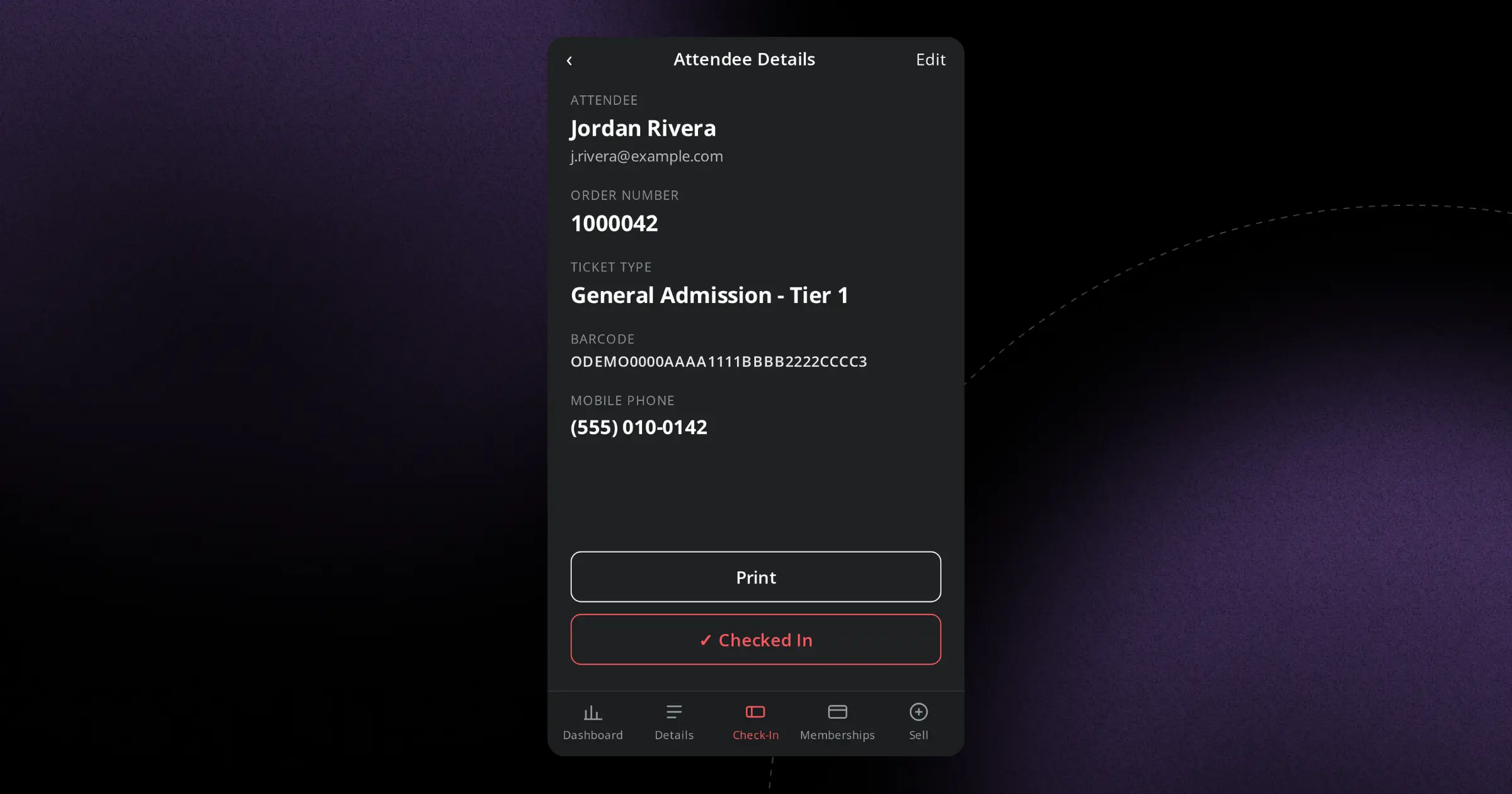
Wireless Boca printing at the door

You can now print tickets to Boca wireless FGL printers, giving your box office and gates more flexibility in how and where they print.
September 9, 2026

Add a new venue without leaving your hold

When you're creating a hold and the venue you need doesn't exist yet, you can now add it right from the venue picker — no more stopping to set it up somewhere else first.