See the latest Opendate feature releases, product improvements, and bug fixes. For updates on everything else we're building, subscribe to our monthly product newsletter + news.
Create custom checkout questions for your venue or tailor the order form for a specific event. Set text-input rules and include responses in your Orders export, so you can collect and use the details that matter.
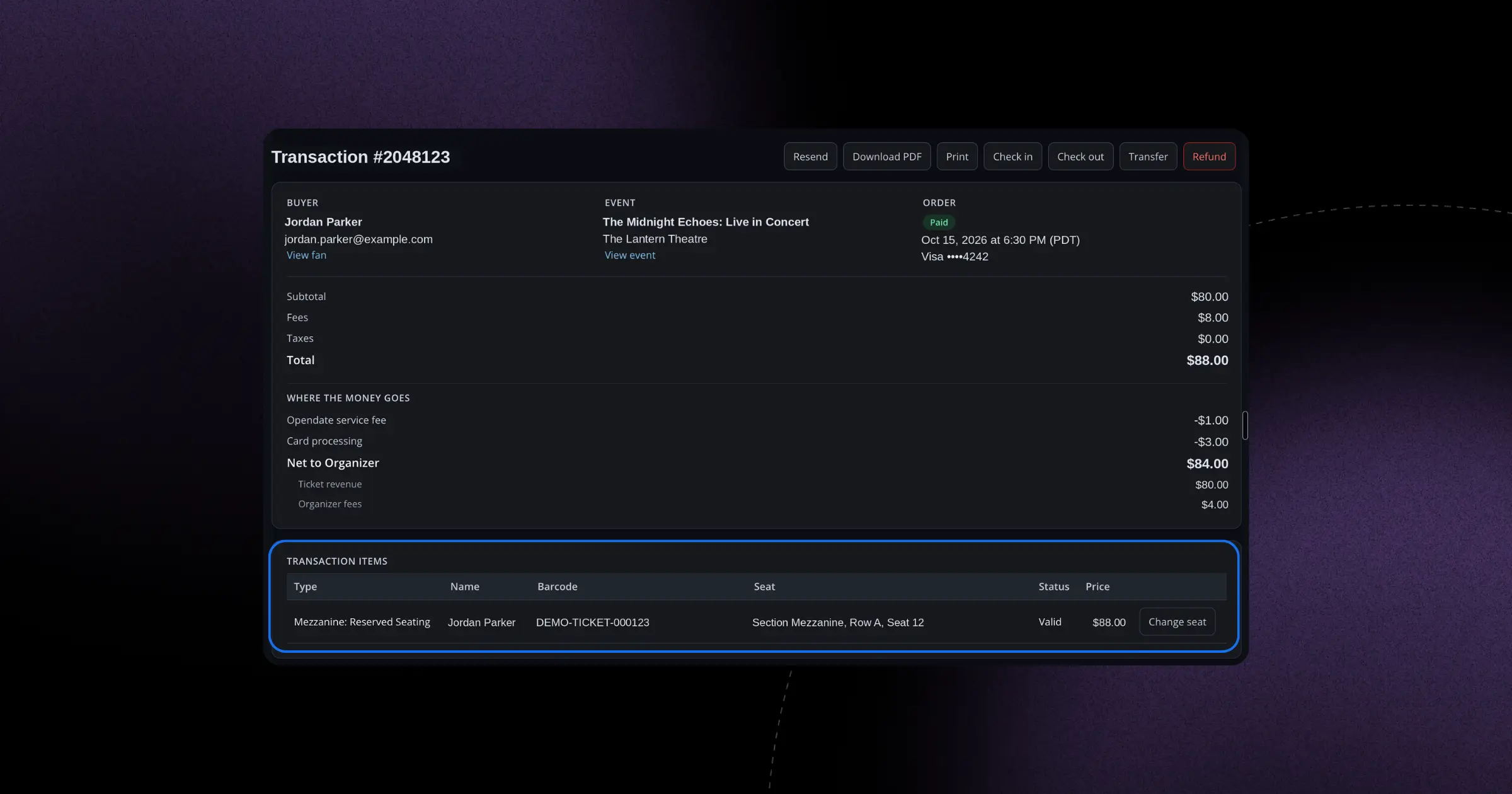
You can now reassign a fan to a different reserved seat without refunding and re-charging their original payment. A simple Change Seat button and seat picker make last-minute moves painless.
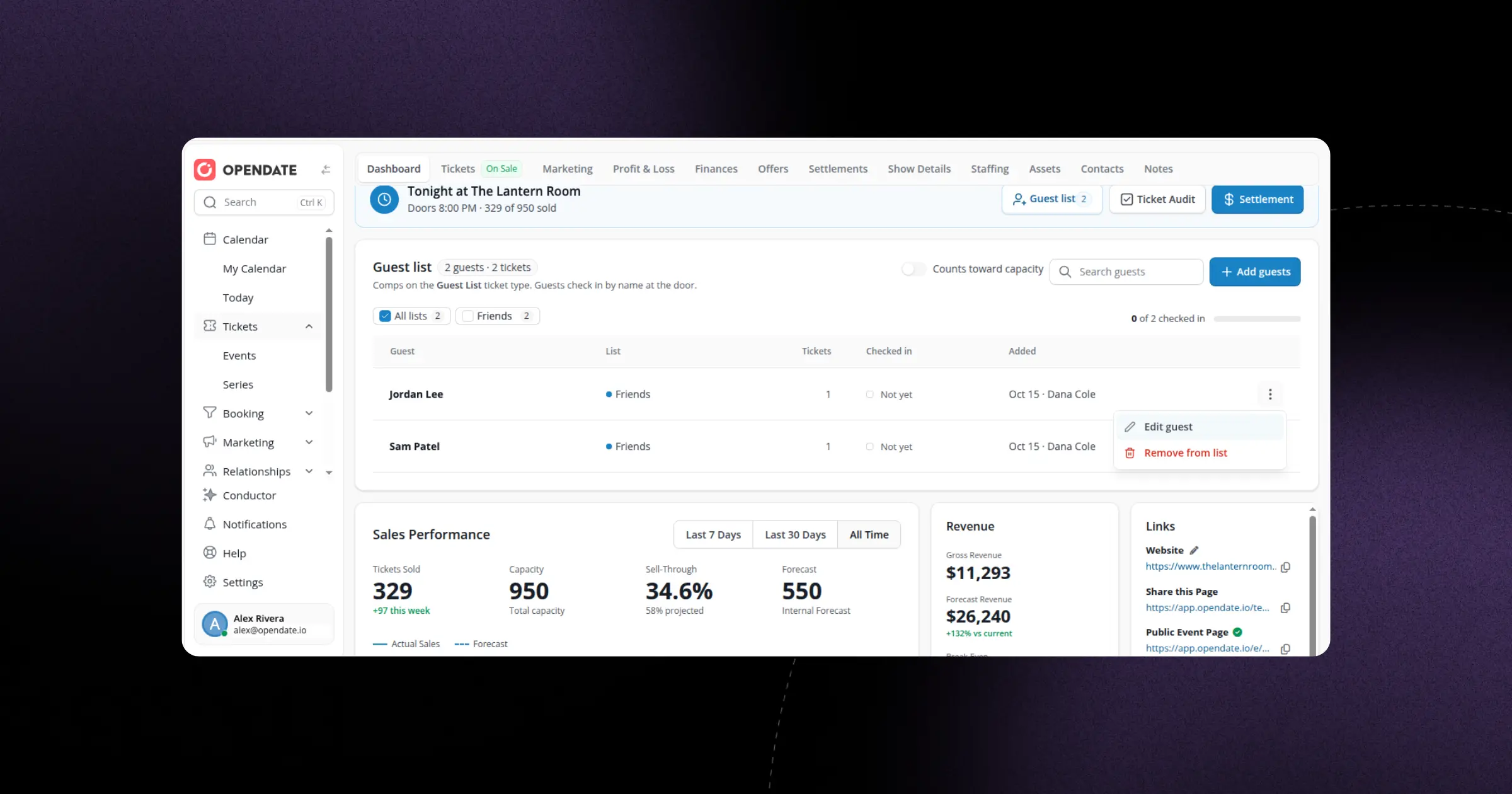
Guest lists can now sit on top of your sellable capacity instead of reducing it, and you can control which lists appear on the artist settlement. Guest list support is also now available in the native Organizer App.
Universal search now spans events, artists, offers and fans, and respects your product entitlements so you only see what's relevant to your venue. Find what you need faster, even from within an event page.
Describe the fans you want to reach in plain language — recent buyers, a certain genre, artist, or location — and let Conductor build the segment for you. The redesigned segment builder keeps your conditions tidy and makes custom audiences faster than ever.
Per-event promo codes can now discount only the ticket types you choose, without needing to reveal hidden tickets. Reserved-seating buyers even see the discounted tier price before they add to cart, so the savings are clear up front.
SMS broadcasts now live inside the broadcast composer with a cleaner, redesigned flow, and a new sent-SMS report lets you see how your text messages performed. Conductor can even draft SMS broadcasts for you.
The first step of creating a broadcast has been redesigned to be clearer and faster, with smarter segment suggestions that follow the broadcast's event. Getting your message out just got easier.
Members can now apply a different promo code at checkout instead of their automatically applied membership discount, giving them the flexibility to use whichever offer works best.
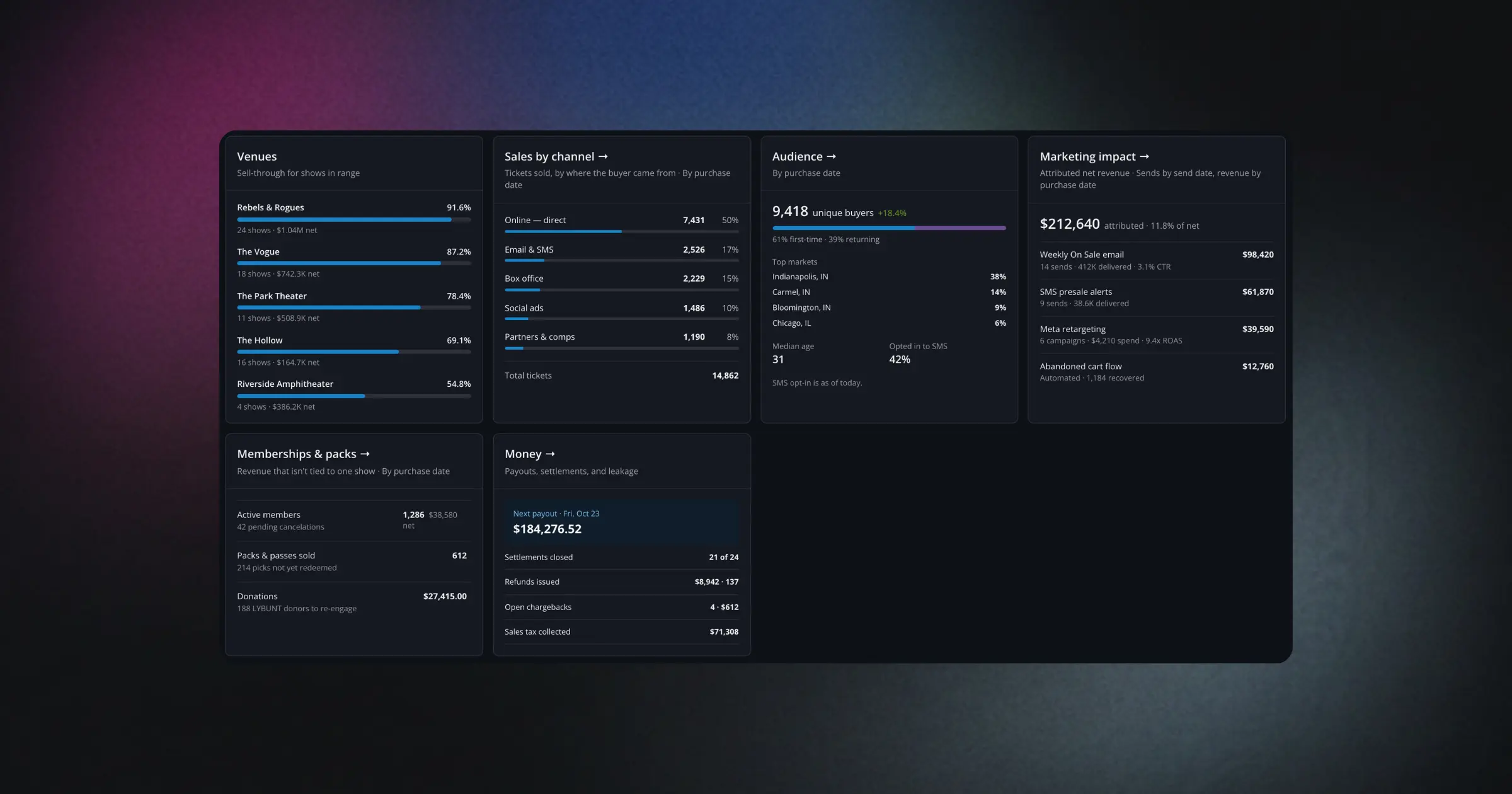
Your dashboard has a fresh layout with dedicated cards for money, sales by channel, audience, marketing impact, and memberships & packs — all loading noticeably faster. You can see how your venue is performing at a glance and know exactly where to focus next.
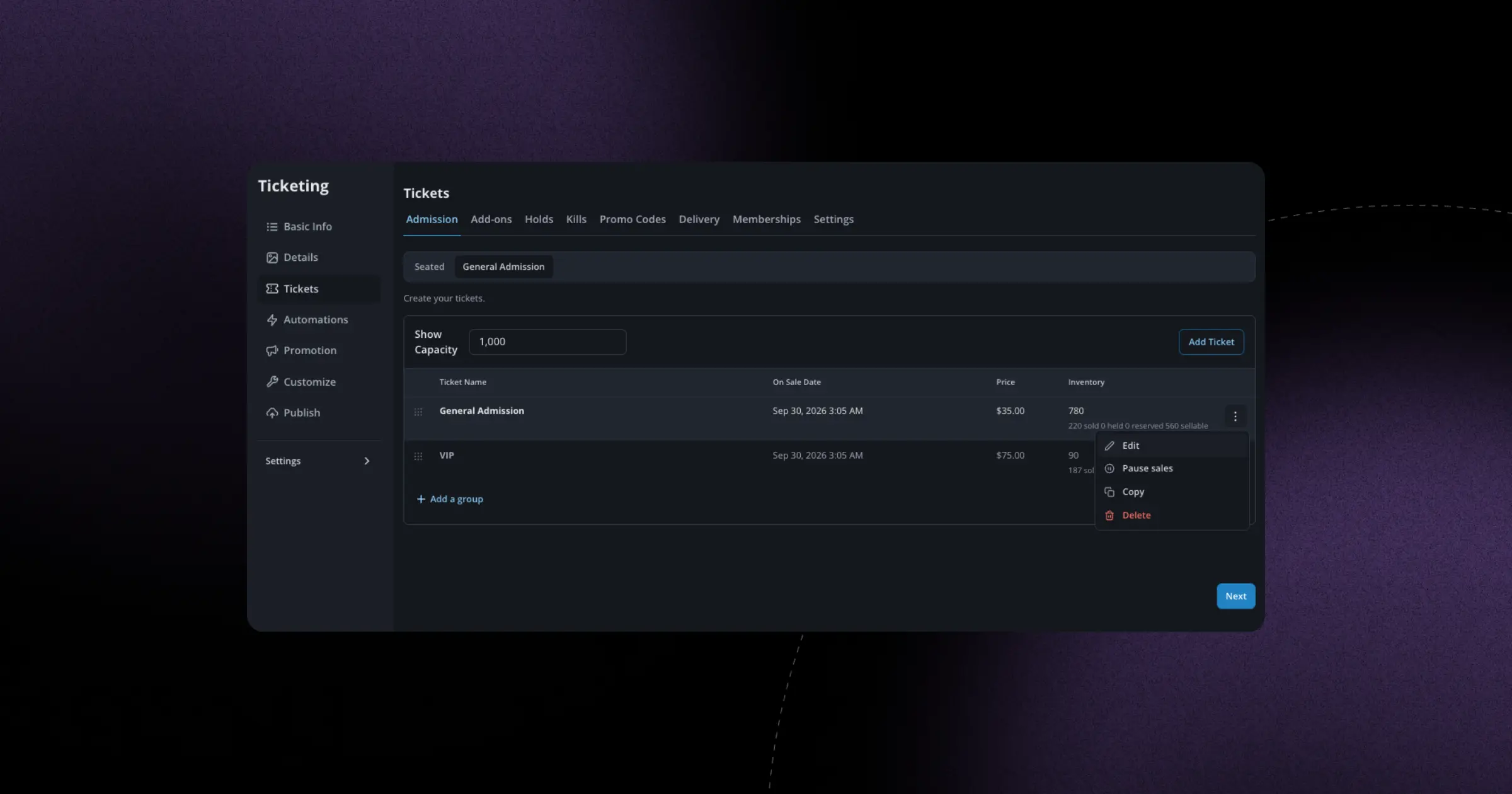
Pause or resume sales, duplicate, and edit a ticket type straight from its dropdown menu — no need to dig through settings. It's a faster way to manage your on-sale on the fly.
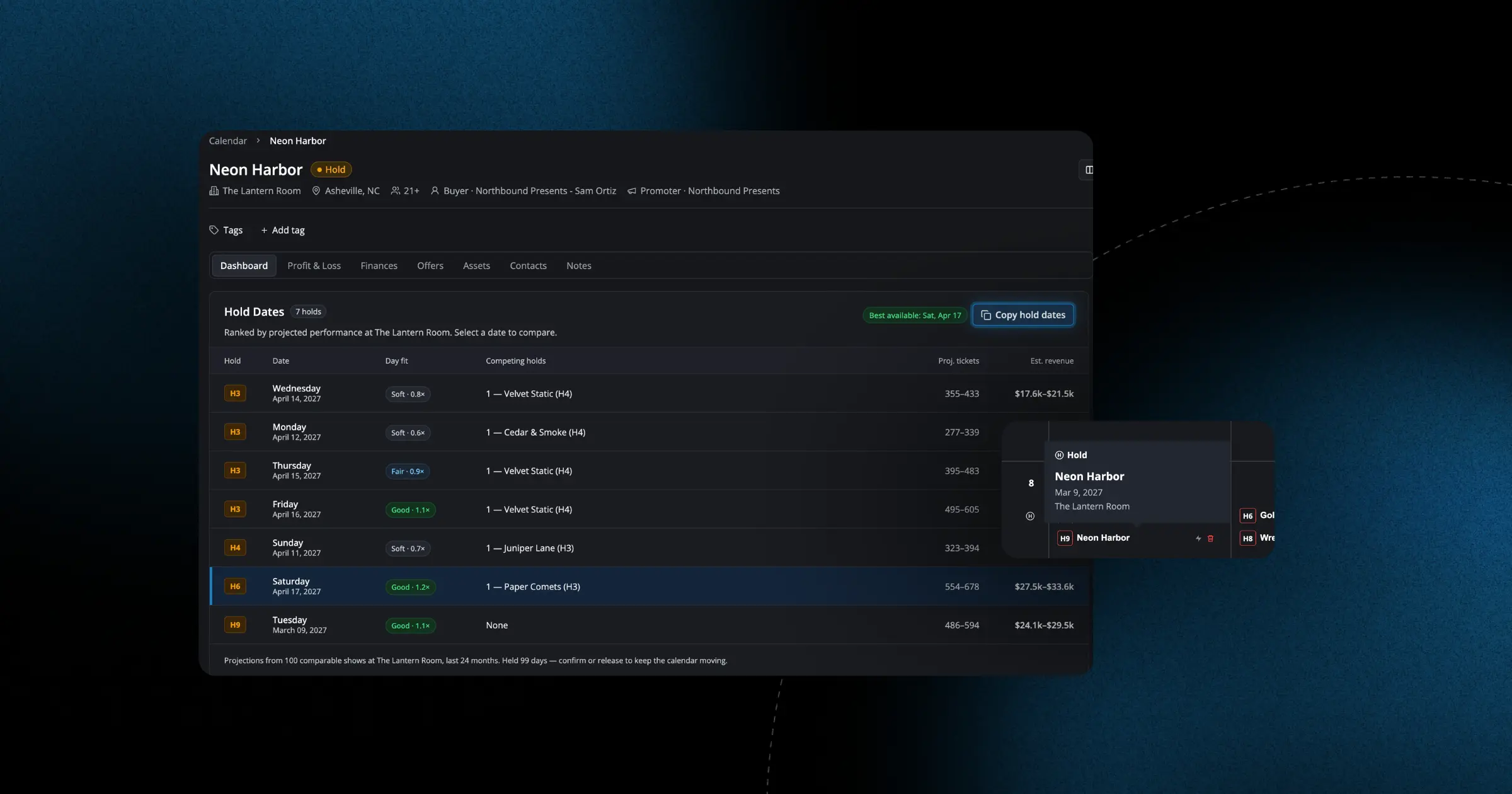
Clear a single hold right from the calendar, copy hold dates and statuses in one click from an offer or event page, and keep past dates of multi-date holds visible until the hold's final date passes. Booking around holds now takes fewer clicks and is easier to read.
Global promo codes can now discount an entire order or be limited to only selected ticket types across events. You get finer control over exactly what a code rewards.
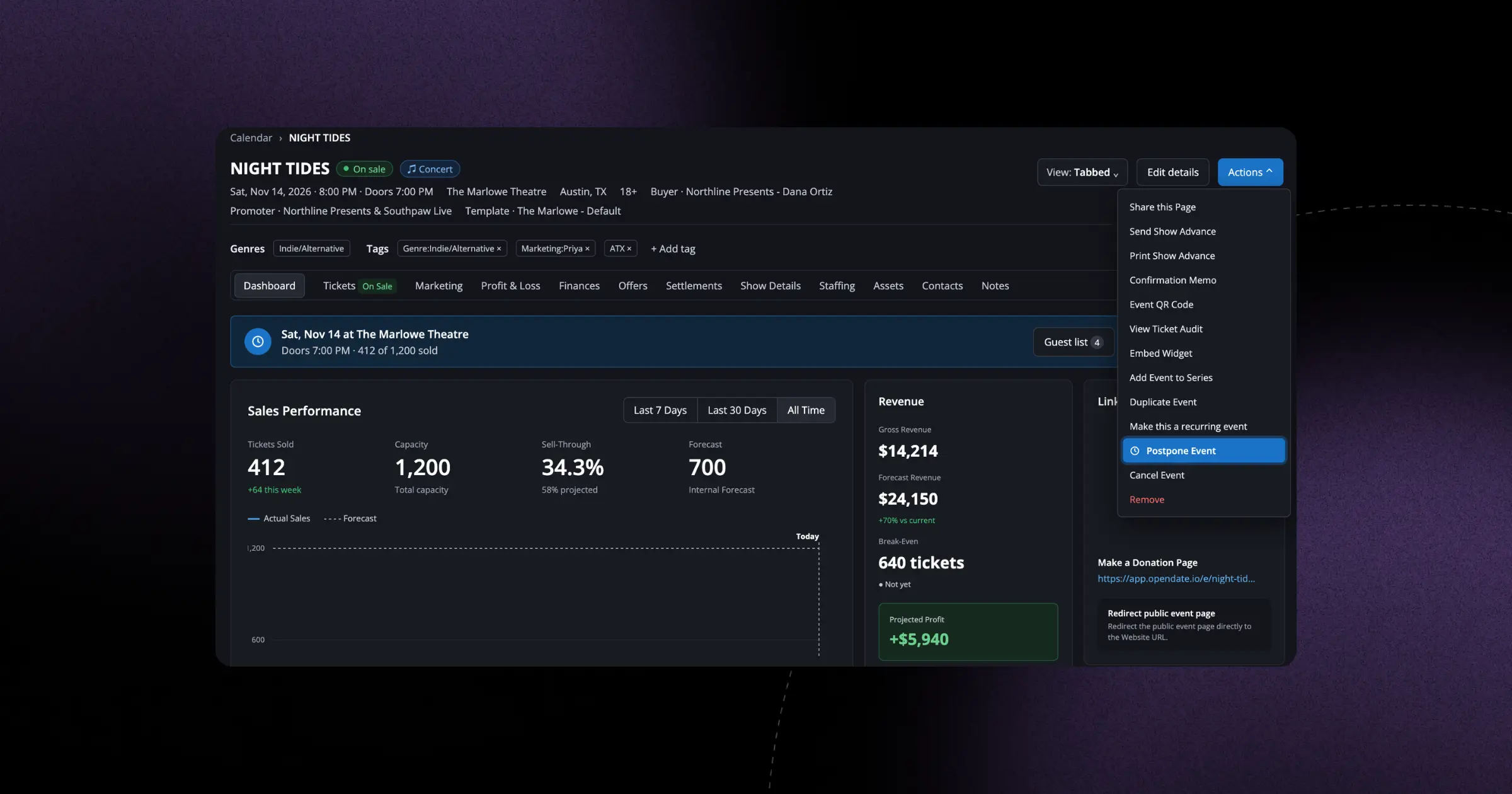
A new postponed event state holds both the date and the payouts in place, so you can pause a show cleanly while you sort out a new date. It keeps fans and finances steady during the wait.