See how Opendate can help you manage the entire event lifecycle.
Let us know who you are to unlock the demo video.
Thank you! Your submission has been received!
Oops! Something went wrong while submitting the form.


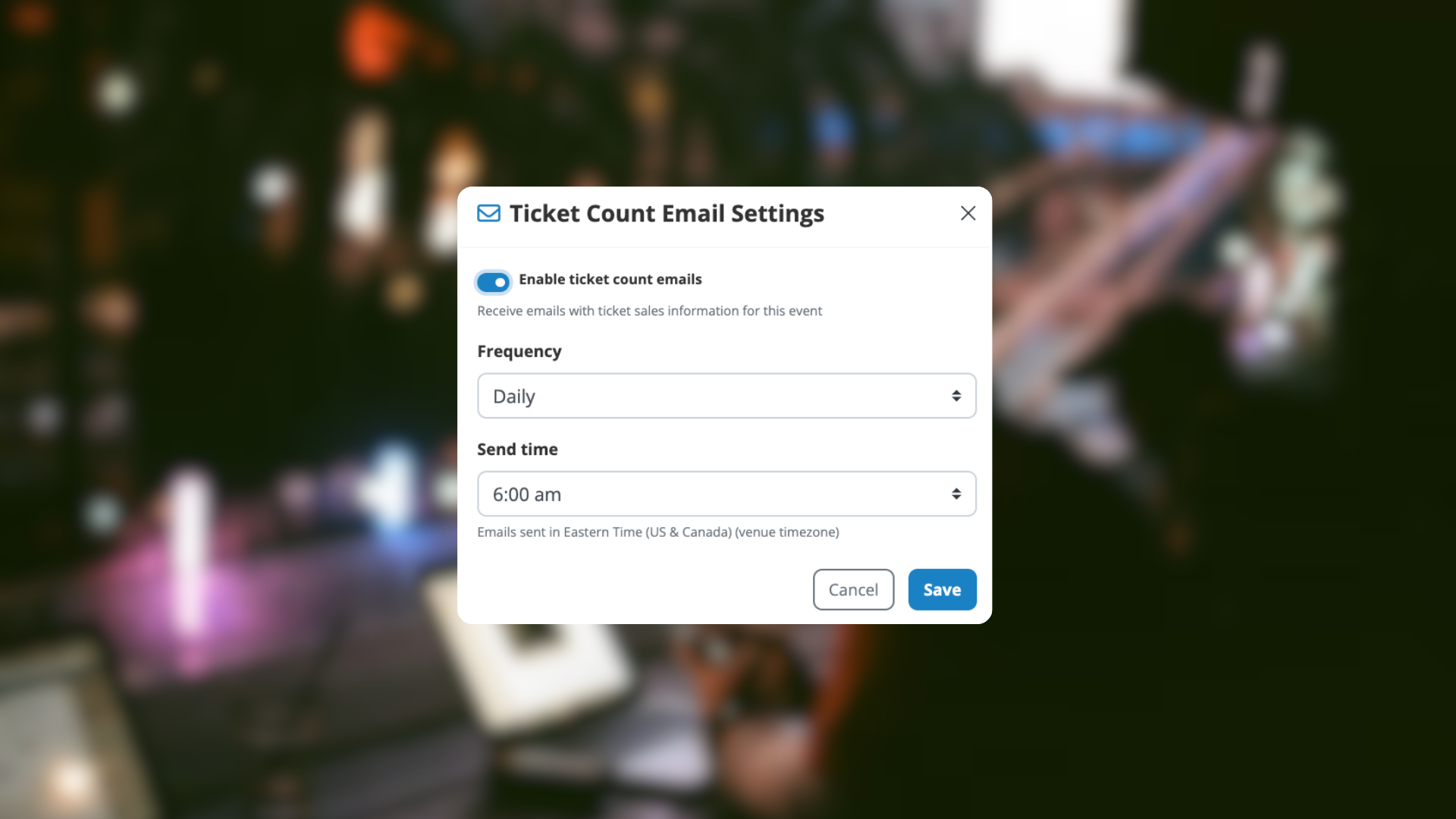
You asked for more control over ticket count updates, and now you’ve got it.
With our latest update, you can now customize who receives ticket counts and when they receive them, instead of relying on a fixed daily send. This gives you more flexibility to match how your team, partners, and promoters actually work.
You can now:
Whether someone needs frequent updates during a hot on-sale, or just periodic visibility as the show approaches, you are in control.
Every event and every partner is different.
Some promoters want daily visibility.
Some teams only need updates closer to show day.
Some stakeholders just want the highlights.
Now, you can tailor ticket count notifications to fit each situation, reduce noise, and keep everyone aligned with the right information at the right time.
From any Event page in Opendate:
Check out our preview video to learn exactly how.
That is it. Your ticket reporting now works the way your workflow does.