See how Opendate can help you manage the entire event lifecycle.
Let us know who you are to unlock the demo video.
Thank you! Your submission has been received!
Oops! Something went wrong while submitting the form.


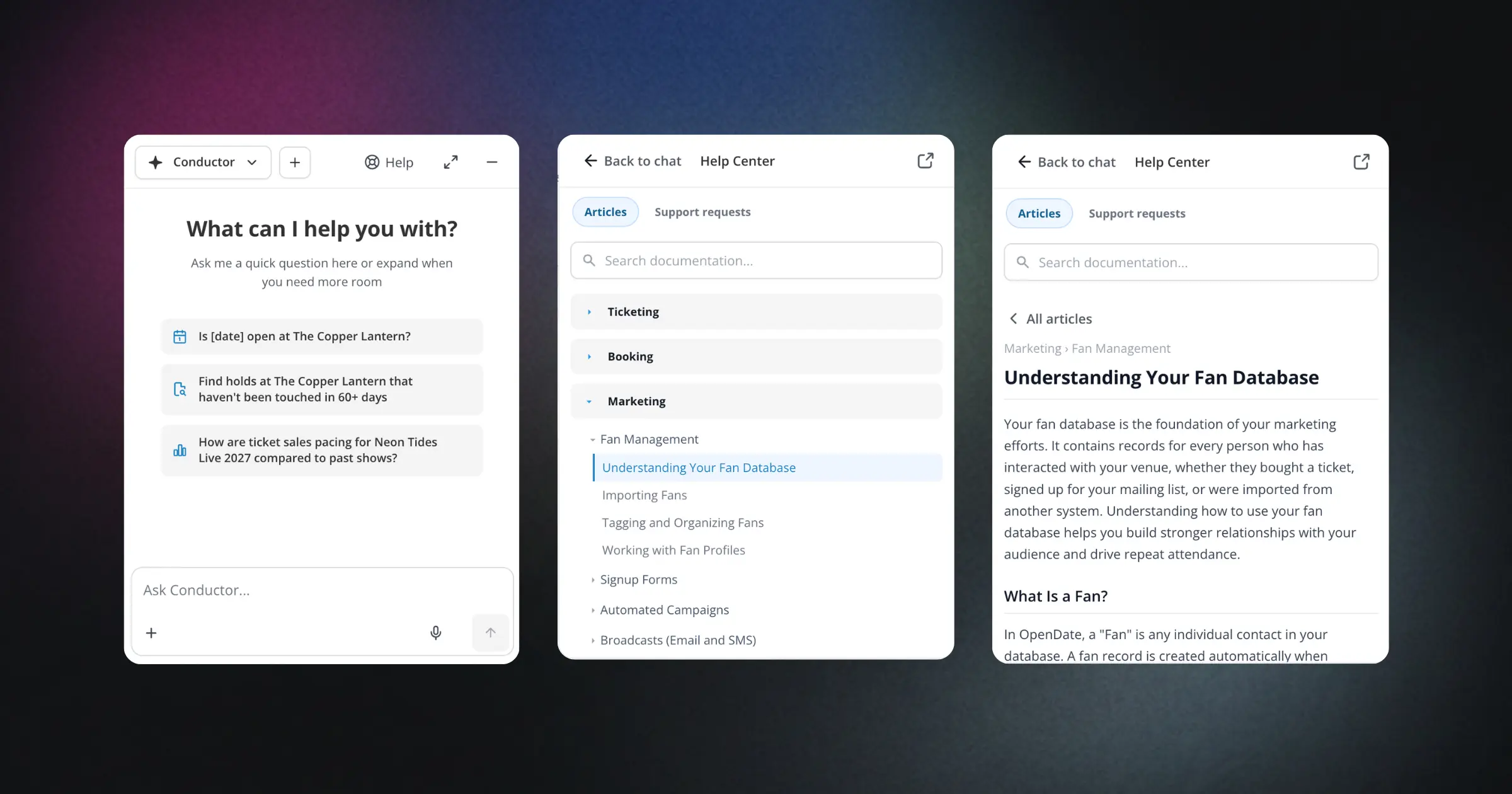
When you're in the middle of setting up an event or troubleshooting a box office issue, the last thing you want is to hunt through documentation in another tab. We built Conductor's Help Center to keep you in your flow.
The Help Center lives right alongside Conductor's chat interface. Search for what you need, and relevant articles appear as clean, scannable cards. Click any card to read the full article without leaving Conductor or losing your place. Whether you're figuring out how to configure ticket holds, understanding settlement timing, or learning about capacity management, the information you need is right there.
This means fewer interruptions when you're working through your event setup, faster answers when your team has questions, and less time spent toggling between windows. You stay focused on your work instead of searching for help. The Help Center knows what Conductor knows, so you get consistent, reliable information whether you're asking the AI or browsing articles yourself.