See how Opendate can help you manage the entire event lifecycle.
Let us know who you are to unlock the demo video.
Thank you! Your submission has been received!
Oops! Something went wrong while submitting the form.


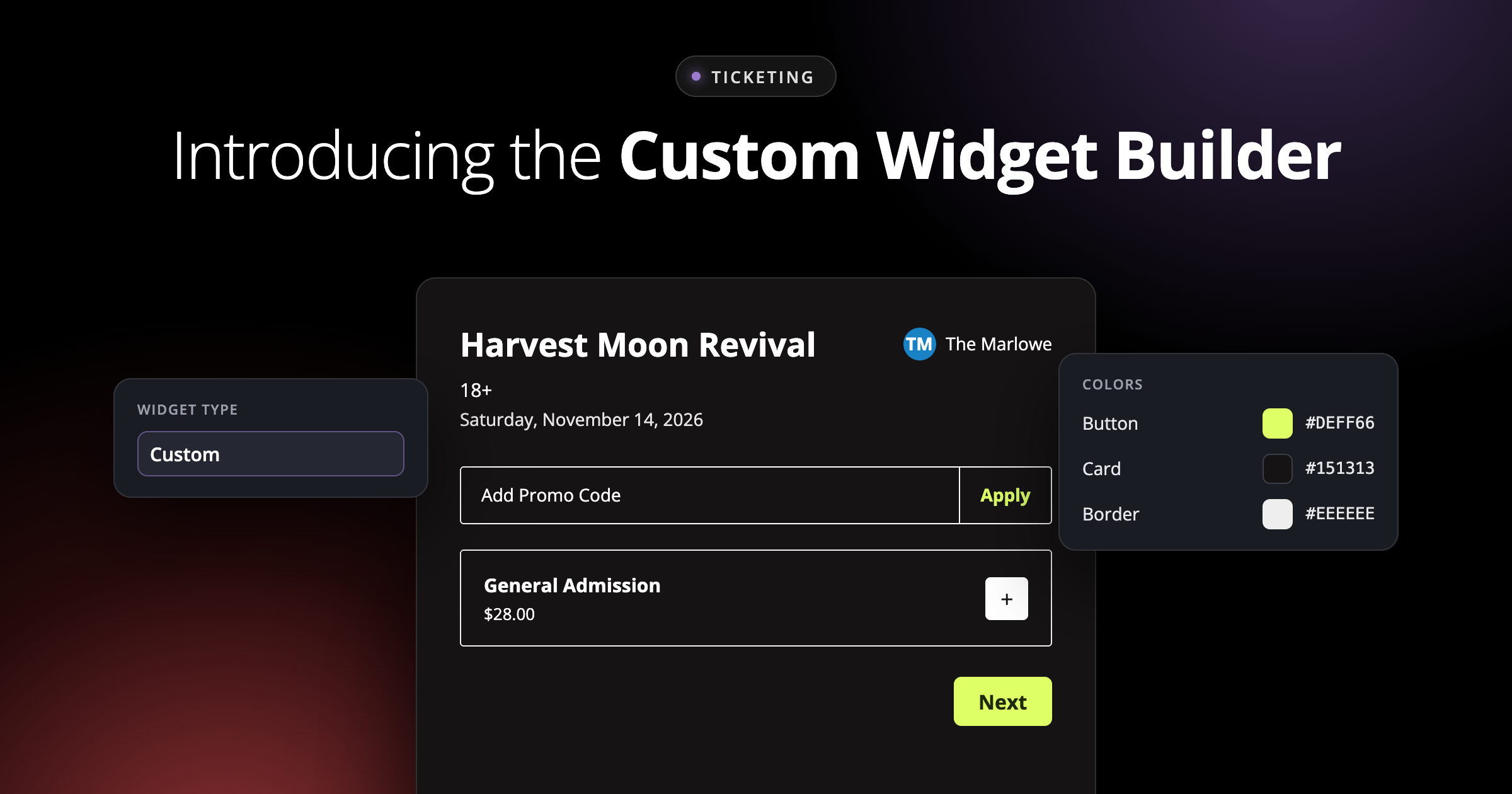
You spent real time (and probably real money) on your website. The fonts are right. The colors are right. The photos of last month's sold-out show are right. Then a fan clicks "Buy Tickets" and lands in a checkout that looks like it belongs to someone else.
It's a small moment, but it matters. Every time the buying experience feels off-brand, it breaks the flow you worked hard to build, and it makes your ticketing feel like a detour instead of part of your venue.
The Custom Widget Builder is a new visual builder inside Ticketing setup that gives you control over how the checkout embedded on your website looks and how it's organized. Pick your colors and fonts, arrange your tickets and add-ons the way your event needs, preview your design, and copy the embed code, all without leaving Opendate.
It's available now to every Opendate ticketing team in the widget type menu.

The Appearance tools let you style the parts of the widget fans actually see:

Once you've landed on a look you like, save it as a theme. Saved themes let your team reuse the same look across events, so you're not rebuilding the same design every time you put a show on sale.
Themes save your appearance settings, not each event's ticket and group structure. Keep in mind that updating a shared theme can restyle other events that use it.
The Custom Widget Builder controls more than appearance. Its drag-and-drop Structure tools let you decide how options are grouped and presented:
Running a presale? The Custom widget supports presale tickets and code entry, so fans with a code can unlock them right in your branded checkout.
A live preview updates as you build, so you can see your changes right away. Preview your design at phone, tablet, and desktop widths. The live checkout displays items according to their availability and sale rules.
Use the Custom Widget Builder to style the checkout embedded on your website.
And because the builder lives inside Ticketing setup, there's no separate design tool or new process to learn. When you're ready, copy the embed code and drop it into your site.
For step-by-step details, see Customizing and Embedding the Ticketing Widget in the Help Center.
Your website already tells fans who you are. Now your checkout can too. The Custom Widget Builder puts design and structure in your hands, so buying a ticket on your site feels like part of the experience, not a step away from it.
Open any event's ticketing setup and choose Custom under Customize to build your first branded widget, or reach out to the Opendate team if you'd like a hand getting started.