See how Opendate can help you manage the entire event lifecycle.
Let us know who you are to unlock the demo video.
Thank you! Your submission has been received!
Oops! Something went wrong while submitting the form.


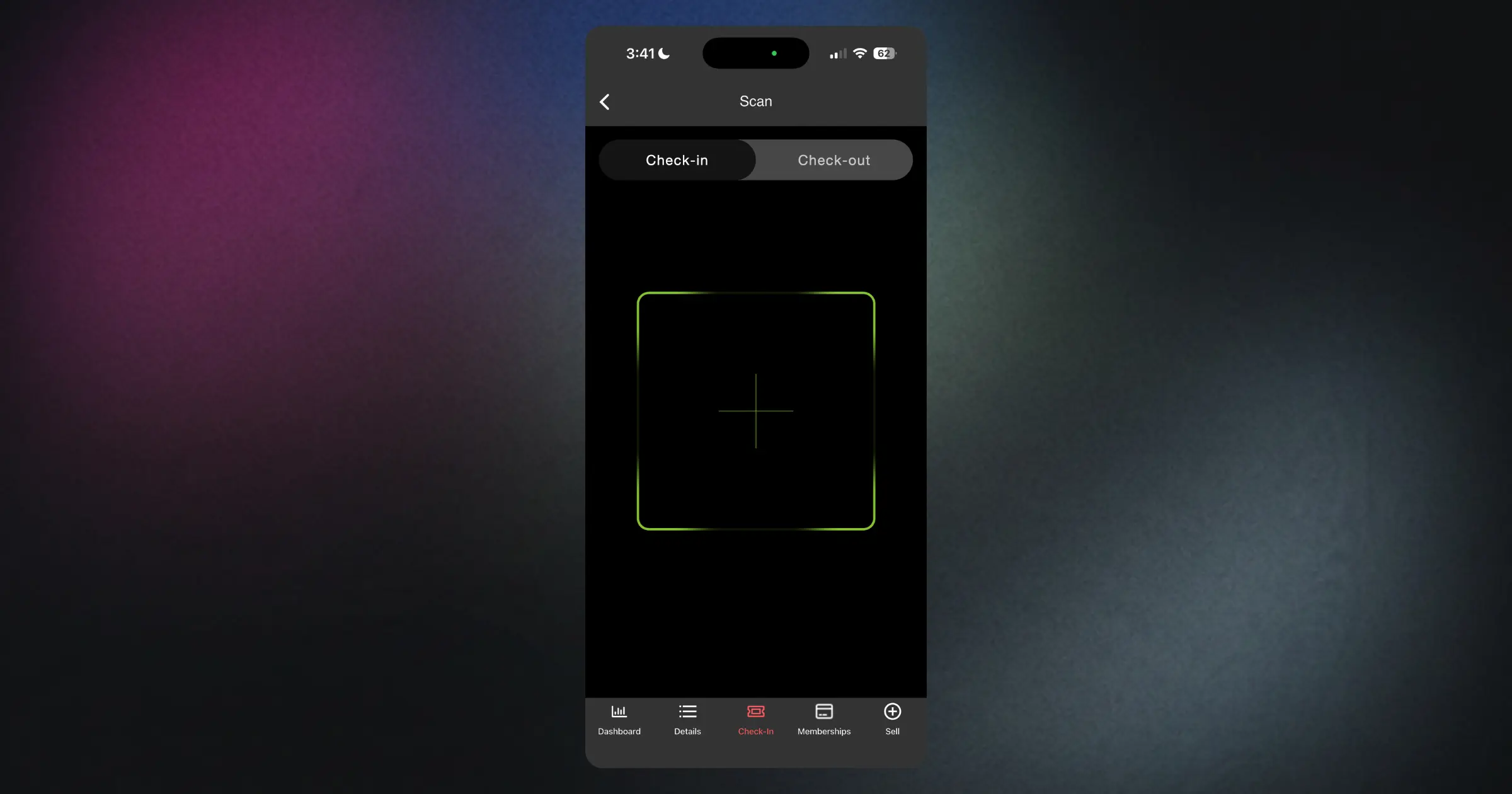
When someone arrives at your event, they should get in quickly. That's the whole point of pre-sale tickets. But our scanning app had developed some friction: a few seconds of lag after each scan, confusing error messages that weren't actually errors, and missing information that forced your staff to tap through extra screens.
We've rebuilt how the organizer app handles scans. The delay is gone—scan a ticket and you'll see confirmation immediately. The bug that incorrectly showed "max check-ins reached" on valid first-time scans has been fixed, so your door team won't need to override false positives or reassure confused guests. And now the ticket type name appears right on the confirmation screen, so your staff can see at a glance whether someone has a GA ticket, VIP pass, or student admission without tapping for more details.
This means faster entry, fewer awkward moments at the door, and less training needed for volunteers or temporary staff. Your team can focus on welcoming people instead of troubleshooting the app. The line keeps moving, and your event starts on time.